
POS System for Hardware Stores in Sri Lanka: What to Look For
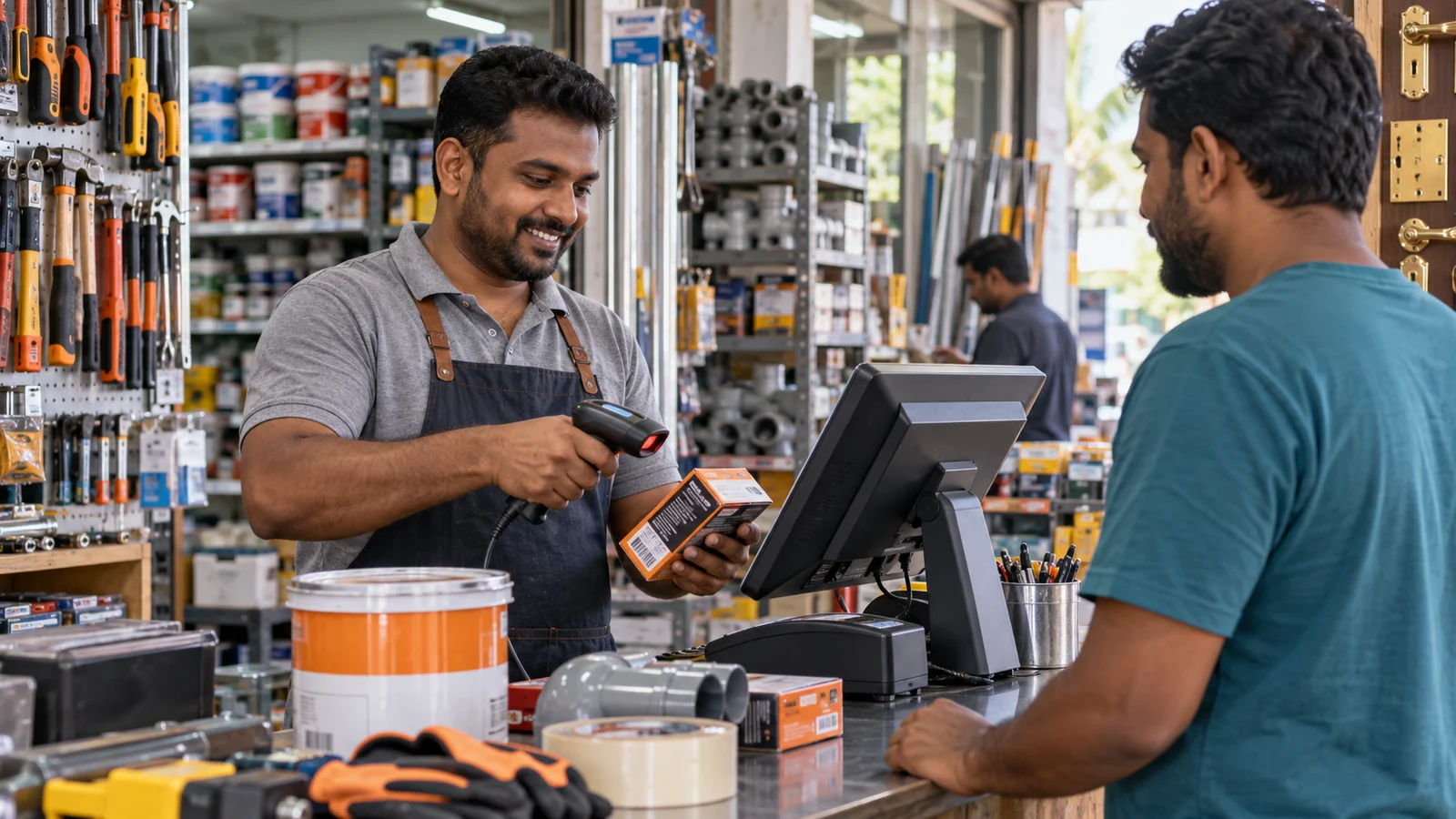
Hardware Retail Is More Complex Than It Looks
A hardware store may sell a single screw, a box of tiles, a metre of cable, a litre of paint, or a power tool with a warranty. The catalogue is large, similar products can look almost identical, and customers often ask for a quotation before they buy.
That makes a basic cash register a poor fit. A useful hardware-store POS system must handle units, variations, supplier costs, credit customers, quotations, and stock without making the counter slower.
1. Products Need Flexible Units
Hardware products are not all sold by piece. Cable may be sold by metre, liquids by litre, fasteners by box or packet, and bulk items by weight. The system should keep the selling unit clear so staff do not bill a box as a single item or confuse metres with rolls.
Define the base and selling units before importing the catalogue. BillBook's product units guide explains the available setup.
2. Variations Must Stay Connected
Colour, size, brand, gauge, voltage, and capacity often describe variations of the same product family. Keeping these under one structured product makes searching, purchasing, and reporting clearer.
For example, a paint line can have several colours and container sizes without turning the product list into hundreds of unrelated names. Review managing product variations when planning the catalogue.
3. Barcode and Search Must Both Be Fast
Some products arrive with manufacturer barcodes; others are loose, cut to length, or stored in unlabelled bins. Your POS should support scanning when a barcode exists and quick search when it does not.
Use searchable product names that staff understand. Include the details that distinguish similar items, but avoid stuffing every supplier code into the visible name. For unlabelled stock, a barcode printer can create shelf or product labels.
4. Quotations Should Convert Into Sales
Contractors and project customers often request a quotation before confirming an order. Re-entering the entire list at checkout wastes time and creates room for mistakes.
Look for a workflow that can save a quotation or draft, update it when quantities change, and turn it into a completed sale when the customer approves. BillBook supports quotations, drafts, suspended bills, and multiple payment methods within the sales workflow.
5. Customer Credit Needs a Proper Ledger
Credit sales are common in trade-focused stores, but they become risky when balances live in notebooks or staff memory. Each credit sale, payment, opening balance, and advance should update the same customer record.
Set a clear internal credit policy: who can approve credit, what limit applies, when payment is expected, and how overdue balances are followed up. The customer and supplier ledger guide shows how BillBook keeps those movements visible.
6. Purchases Must Update Cost and Quantity
Hardware prices can change between supplier deliveries. Record each purchase accurately so the business sees current stock and cost information instead of relying on an old price written on a shelf.
Purchase orders are useful for planning larger supplier orders and checking what actually arrived. See purchase order management and purchase invoices for the complete process.
7. Staff Permissions Protect Sensitive Actions
Not every cashier should be able to change costs, apply large discounts, delete products, or view every financial report. Assign access based on the person's role and branch.
Permissions are not about slowing the team down. They create a clear process for exceptional actions while keeping normal billing fast.
Recommended Hardware for the Counter
A practical hardware-store counter usually benefits from:
- A touch-screen POS terminal or reliable computer
- An 80mm receipt printer
- A barcode scanner for packaged products
- A cash drawer connected through the receipt printer
- A barcode or label printer for unlabelled stock
Read the full POS hardware buying guide or browse BillBook-compatible hardware.
Questions to Ask Before Choosing a System
- Can it handle piece, box, length, weight, and volume units?
- Can staff search similar products quickly?
- Can quotations become sales without re-entry?
- Can purchases update stock and supplier balances?
- Can customer credit and payments be tracked together?
- Can permissions differ by role and branch?
- Is local setup and support available?
BillBook brings these workflows together for Sri Lankan retailers. Explore all BillBook features, compare pricing plans, or book a guided demo.
Start Free — No Credit Card Required
The Starter plan is free for your entire first year. Set up in minutes, cancel anytime.