
Switch to BillBook
Moving from Excel or another POS?
Bring your products, customers and stock with you. Do it yourself for free, or let us do it for you.
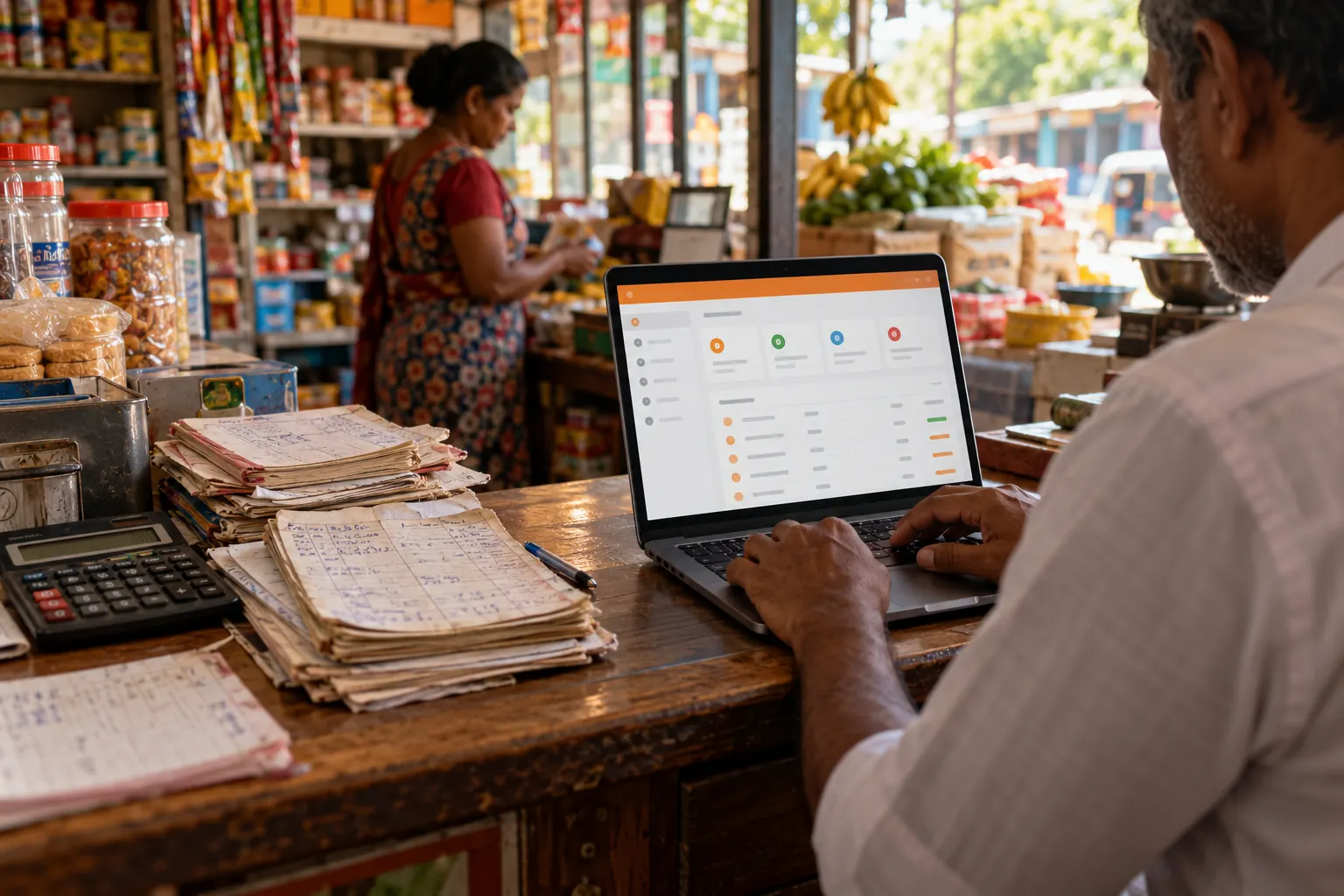
What we can bring across
- Products, with prices, barcodes, categories and brands
- Opening stock for each branch
- Customers and suppliers, with opening balances
- Past sales, if you want your history
How it works
- 01Export from your old systemMost POS and accounting software can export to Excel or CSV. If yours can’t, send us what you have.
- 02We check the file with youWe match your columns to BillBook’s templates and point out anything missing, such as products without barcodes.
- 03Import and checkThe data goes into BillBook. You check a few products, customers and stock levels before you start selling.
- 04Start billingPick a quiet day to switch. Message us on WhatsApp if anything looks wrong.
Ask us to move your data
Tell us what you use today. We'll reply on WhatsApp with what can be moved and what it costs.
Frequently asked questions
Is moving my data free?
Yes, if you do it yourself with BillBook’s Excel import templates. If you want us to do it, it costs Rs 7,500–15,000, and it’s free on yearly Growth and Business plans.
Can I keep using my old system while I switch?
Yes. Most shops import their data, check it for a few days, then import their latest stock just before they switch over.
What if my old POS can’t export to Excel?
Send us what you have, such as reports, PDFs or a backup, and we’ll tell you what can be moved.
Start free today
No card needed, and the Free plan has no time limit. Set up in minutes and upgrade when you're ready.