
POS software that keeps the counter moving
Scan, bill and print in seconds. Hold a bill when a customer steps away, split a payment between cash and card, and close the till with every note counted.
Included in every plan, including Free. See plans
Try a live demo shop, no sign-up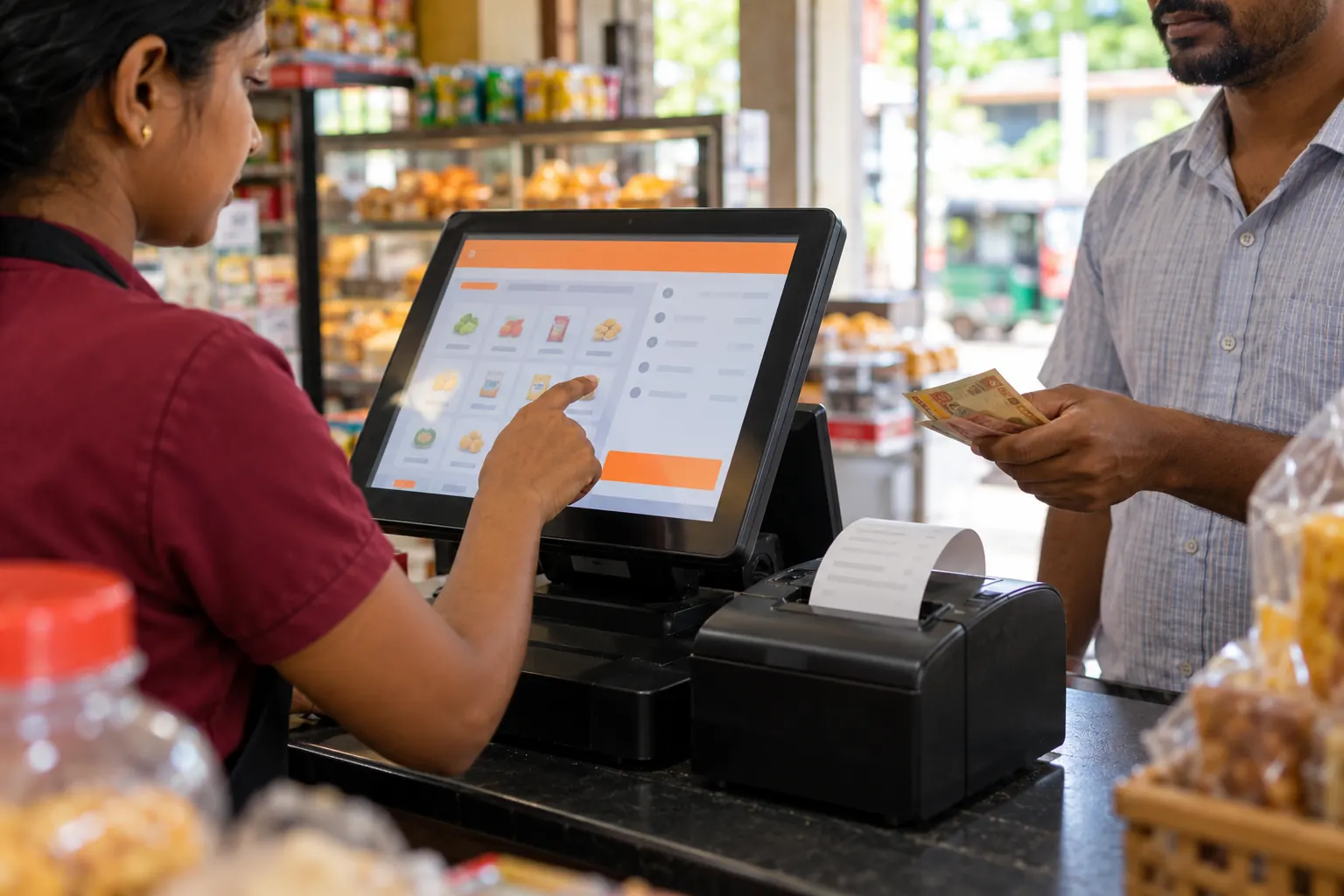
What it does for you
Fast billing at the counter
Scan barcodes, search by name or product code, or tap products on the grid. Keyboard shortcuts keep busy tills quick.
Every way your customers pay
Cash, card, cheque, bank transfer, credit and your own payment methods, split across one bill. Change is worked out for you.
Hold, quote and return
Park a bill and come back to it, turn a quotation or draft into an invoice, and handle returns with a printed credit note.
A till you can trust
Each cashier opens and closes a cash register. At closing they count each note, and the day-closing report (Z report) shows the totals.
Everything included
- Product grid, search and barcode scanning
- Held (suspended) bills
- Drafts, quotations and proforma invoices
- Split payments across payment methods
- Sales returns with credit notes
- Customer credit limits checked at the till
- Discount rules by brand, category or date
- Customer-facing display
- Receipts on 58 mm, 80 mm or A4
- Weighing-scale barcodes
- Commission agents and service staff
- Cash register open and close with note counts
Coming next for POS
- Offline billingComing soonKeep billing through power and internet cuts. Sales sync when you are back online.
- LankaQR and PayHereComing soonShow a LankaQR code at the counter and send PayHere payment links with invoices.
Works together with
Frequently asked questions
Which printers and scanners work with the BillBook POS?
USB and Bluetooth barcode scanners, 58 mm and 80 mm thermal receipt printers, A4 printers, cash drawers that open from the printer, and barcode label printers.
Can I stop cashiers giving discounts or seeing profits?
Yes. Roles and permissions control what each user can do, including discounts, returns, prices and reports. Users can also be limited to their own branch.
Does the POS work without internet?
Not yet. The POS runs in your browser and needs a connection. Offline billing is coming with the BillBook apps.
Start free today
No card needed, and the Free plan has no time limit. Set up in minutes and upgrade when you're ready.