
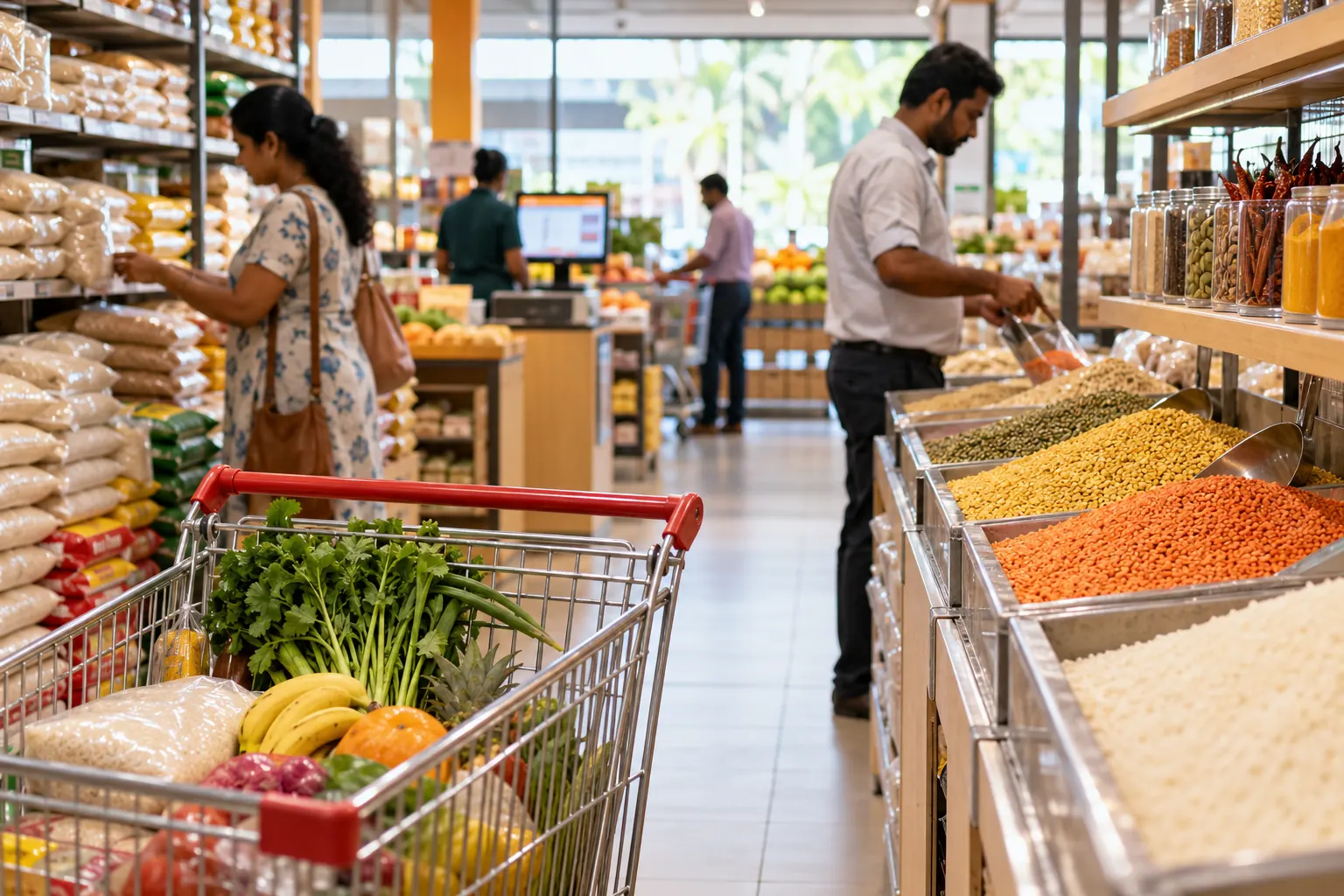
The problem with manual billing
Many supermarkets in Sri Lanka still rely on manual receipts or basic cash registers. This leads to stock discrepancies, slow checkout lines, and no insight into which products are selling.
How BillBook solves this
BillBook's POS terminal connects your cashier screen, barcode scanner, and receipt printer into one system. Products scan instantly, stock levels update with every sale, and every sale is recorded automatically.
Key features supermarkets use
- Barcode Scanning — Scan products at checkout with any USB barcode scanner. Setting one up takes a few minutes; see the barcode scanner guide.
- Stock Alerts — Set an Alert Quantity per product so BillBook flags it before you run out — no more discovering a gap on the shelf. Details in the product management guide.
- Multi-Branch — Manage all your branches from one account, with stock and sales visible across locations instead of one spreadsheet per shop.
- 25 reports — See your best-selling products, the day-closing report (Z report), and profit at a glance.
- Flexible Payments — Accept cash, card, and credit sales at the counter, with dues and payment history tracked automatically for customers who run a tab.
Which plan fits a supermarket
A single-branch supermarket usually starts on Starter or Growth (unlimited products and invoices, with Growth adding accounting, loyalty and 6 staff logins). Running more than one branch moves most supermarkets to Business, which includes 2 outlets and stock transfers between them. See the full breakdown on pricing or the complete module list on features.
Getting started
Registering your business takes a few minutes. You can start on the Free plan with no credit card.
Start free today
No card needed, and the Free plan has no time limit. Set up in minutes and upgrade when you're ready.